
Issue tracker
Pax Autocratica Known Issues Guide
Check Pax Autocratica update notes, diagnose common warehouse and worker symptoms, and report a repeatable problem with useful version details.
This is an independent fan-made guide and is not affiliated with Multiverse. Pax Autocratica is developed and published by Multiverse.
Check Steam News for the latest fixes first. If the problem remains, compare the exact symptom and game version in Steam Community, then test one change at a time before restarting the affected task or expedition.
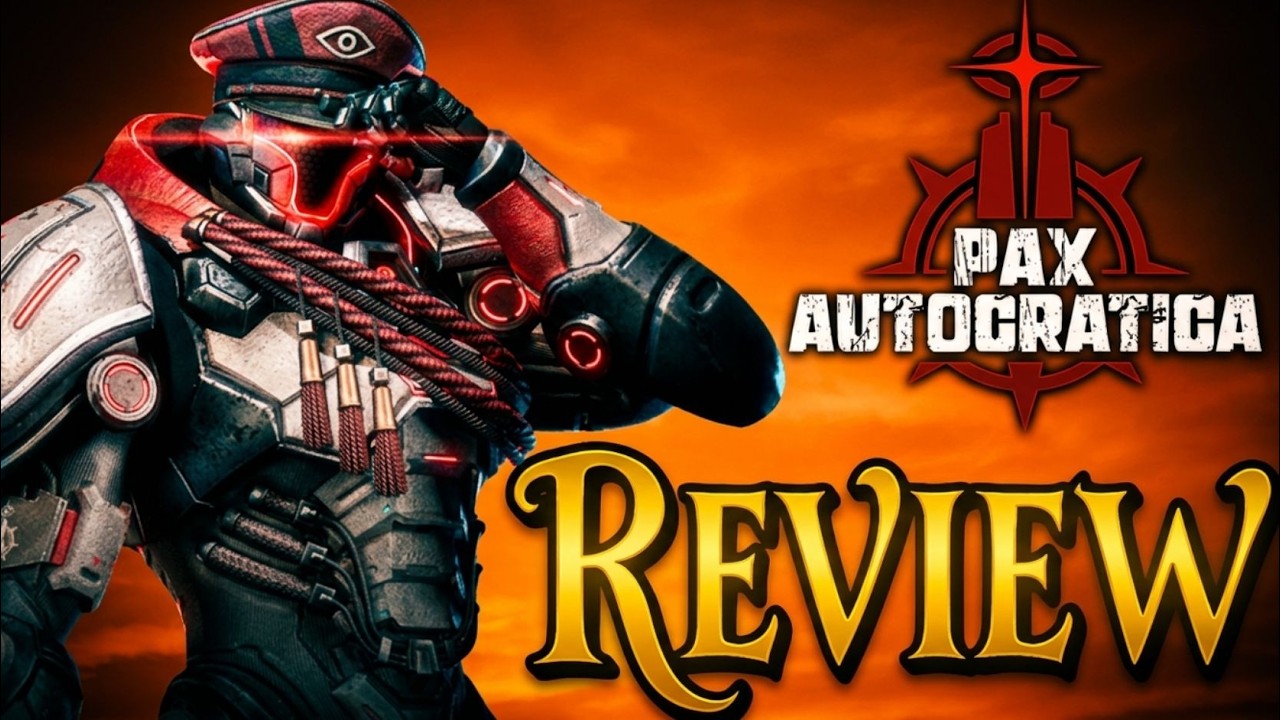
Watch / Gameplay
Pax Autocratica Review - Colony Sim Meets FPS Roguelite
Channel: I Dream of Indie Games · Early Access review
- 00:00–00:27 two connected halves
- 01:53–02:09 risk and survey
- 04:30–05:22 base loop
- 05:22–06:00 interface friction
- The review separates colony preparation from field risk, then shows why they are connected.
- It is useful for locating the loop, not for deriving exact build or staffing rules.
- Interface and performance comments are one reviewer's build- and device-specific experience.
Check these places first
Start with the Steam News update list because a recent patch may already describe the symptom or change the affected system. Then search Steam Community using the exact visible symptom, such as a stalled tutorial task, warehouse flow, worker assignment, or infrastructure behavior.
Pay attention to dates and version context. Advice posted before an update may no longer match the current build.
Tutorial or expedition task will not continue
The collected Steam update material includes a task-flow softlock that can occur when tutorial steps are completed out of order. The published workaround is to restart the expedition or task flow and follow the displayed sequence again.
Before restarting, note the objective text and the last action that completed successfully. After restarting, avoid queuing several unrelated actions until the tutorial advances past the previous stopping point.
Warehouse or resources are not moving
“Warehouse not working” can describe several different problems: missing inputs, no transport path, assignment behavior, an unavailable mode, or a progression requirement. It is not automatically one universal bug.
Use the warehouse troubleshooting checklist to trace production, hauling, storage, and receiving in order. Change one part of the chain at a time so you can tell which action affects the result.
Workers or soldiers ignore an assignment
Check whether the unit already has another task, whether the job has access to its required input, and whether storage or hauling is blocking the next step. Steam updates have discussed assignment, transport, follow behavior, and positioning, so the exact behavior may differ between builds.
Continue with the workers guide for the job and resource-flow checks rather than repeatedly reassigning every unit at once.
Power lines or infrastructure do not behave as expected
Community discussion shows that players ask about roads, power lines, and deeper infrastructure, but that does not establish a complete power-grid rule. If a building is idle, check inputs, workers, transport, and progression before treating power as the cause.
The power-lines guide explains the current limits and the checks that do not depend on an invented grid layout.
How to test a suspected bug
- Record the current game version and the exact objective or building name.
- Write down the last action that worked and the first action that failed.
- Change only one assignment, route, mode, or task at a time.
- Restart the affected task or expedition when a published workaround recommends it.
- Compare the result after the restart before rebuilding a large part of the colony.
This short record helps you distinguish a repeatable issue from a one-time task-order problem.
How to report the problem
When you post in Steam Community or an official feedback channel, include:
- Game version and platform.
- The exact objective, building, unit, or screen involved.
- Steps that reproduce the problem from a fresh task or expedition.
- What you expected and what happened instead.
- A screenshot or short clip when the UI state matters.
- Workarounds already attempted.
Avoid reporting only “warehouse broken” or “workers bugged.” Precise steps make it easier for other players to compare symptoms and for the developer to investigate.
Before following an older workaround
Confirm that the report predates or follows the latest patch. Look for a developer or moderator reply and check whether later comments mention a fix. A highly rated old post can still be obsolete after assignment, UI, progression, or transport changes.
If an older workaround requires deleting a large part of the colony or starting over, test it only after trying reversible steps such as restarting the task, simplifying assignments, and checking the resource chain.
FAQ
Does this list every known issue? No. Steam News and current developer posts are the live record for newly fixed or newly reported problems.
Should I restart the whole game? Start with the affected task or expedition when the published workaround points there. Avoid wiping progress without a specific reason.
Where should I check first? Steam News first, then current Steam Community posts matching the same symptom and version.
Confirmed fixes are version-specific
Steam News is the place to confirm a fix, not a general claim that every similar symptom is solved. Match the announcement date, affected system, and game version to your own case before removing a workaround or rebuilding a colony.
What is still unknown
This page cannot confirm that every warehouse, assignment, power, or quest symptom has the same cause. If the safe checks do not isolate one handoff, keep the exact steps and report the repeatable case through the current Steam or in-game feedback route.
Sources
- Steam news archiveThe dated official news archive contains the first-expedition tutorial softlock and its restart workaround; this archive link is a navigation page, so the issue's current status still needs a version check.
- Steam Community management discussionUsed only for player-reported base-management and UI clarity context, not as proof of a universal bug.
- Steam store pageUsed for the current Early Access status and live product context.