
Explore the Colony / Pax Autocratica
Colony & Production Basics
A system map for people, inputs, transport, production, and storage that helps you find the broken handoff without inventing a layout.
This site is not affiliated with Multiverse, the developer and publisher of Pax Autocratica.
A colony problem is usually a broken handoff. People do work, work produces or moves an input, a system receives that input, and an output becomes useful to storage, technology, or an expedition. When something appears stuck, inspect the first step you cannot explain.
01 / PRODUCTION MAP
One loop, five questions
The Steam Store places mining, gathering, hauling, technology, and manufacturing inside the wider colony loop, then connects that work to soldiers and expeditions. A player-friendly map does not need every building name or ratio. It needs enough questions to reveal which object should be opened next.
A worker, role, or assignment begins the visible job.
A resource, item, or previous output enters the next handoff.
Production, storage, technology, or preparation gives it a purpose.
Person or role → source activity → transport handoff → production or Warehouse → next colony need or expedition preparation.
This is not a claim that every current task follows one fixed path. It is a troubleshooting order. If you cannot identify a source, do not jump to storage. If the source is visible but the output is absent, ask about the movement between them before redesigning the colony.
02 / OBJECT CARDS
Open the object that matches the problem
Start with the person or role attached to the task. An empty output can be an assignment question before it is a resource question.
Identify the visible activity, resource, or prior output that should begin the chain.
Ask what takes an item from source to production, storage, technology, or expedition preparation.
Read the selected request and its visible requirements before replacing the whole chain.
Treat storage as one handoff in the loop, not proof that every earlier step succeeded.
Think of these as entrances, not an encyclopedia. “Where is the input?” is a source question. “Why is it not arriving?” is a transport question. “Why is the request still red?” is a production question. Separating them makes a busy interface easier to read and stops one stalled task from becoming a vague complaint about the entire colony.
Exact recipes, staffing ratios, adjacency effects, and capacity limits can change during Early Access. Use the values shown in your current build, then check recent Steam updates if an older guide no longer matches the interface.
03 / PRODUCTION MODES
Read the request before changing the chain
The July 21 Demo Update describes a technology queue and three crafting modes. In that announcement, Order makes a requested quantity, Stock keeps an item above a threshold, and Auto continues while materials remain. It also says the modes unlock after the Warehouse is built. That gives you a useful way to interpret what a queue is asking for without pretending the dated announcement is a permanent specification.
Use the visible target as a reason to trace the required inputs and their destination.
Check whether the system is trying to keep an item above a displayed threshold rather than finish one batch.
Follow the inputs first, because the mode only continues while the chain can feed it.
If the current interface uses different wording, the screen wins. Record the current label, then use the relationship behind the mode: a request needs inputs, a path for those inputs, and a destination for the result. That stays useful even when a menu changes.
Read the colony as a set of connected uses for the same flow. A gathered resource may be moved toward crafting, a facility, a technology queue, storage, or expedition preparation. The interface does not need to reveal every relationship at once; your job is to follow the next receiver shown on screen.
04 / PROBLEM ENTRANCES
Start where the symptom appears
Do not use the same fix for every blocked task. Start from what you can see, then enter the system at the object most likely to answer that specific question.
Check the task, role, or assignment shown on the current screen before changing recipes or storage.
Trace the destination. The next user may be production, the Warehouse, technology, or expedition preparation.
Read the chosen mode and the visible missing input; change the smallest earlier handoff that answers it.
Work backward from the Warehouse to the item's source, rather than assuming the building itself is the first failure.
Name what preparation the expedition still needs, then trace that question back into the colony.
The same July announcement describes Resource Transport Station soldiers collecting materials from other resource buildings and, after an upgrade, hauling items directly to the Warehouse. That supports one narrow use here: it reminds you to inspect transport as its own handoff. It does not prove that every missing item has a transport-station solution in your version or current layout.
06 / TRACE CHECKLIST
Work backward before rebuilding
- Name the expected output. What specific item, progress state, or preparation are you waiting to see?
- Find its destination. Is the next receiver production, the Warehouse, technology, or an expedition screen?
- Check the immediate requirement. Read the visible input or assignment before making a broad change.
- Walk one step upstream. Who moves or produces that input, and is that part of the chain visibly active?
- Change one handoff. Adjust the narrowest relevant assignment, destination, or request, then observe the result.
- Keep the remaining question. If the interface does not explain the gap, leave it open instead of adding a hidden rule.
“The item exists, but I cannot see its receiver” is a far better next question than “production is broken.”
07 / TO THE FIELD
Related Guides / Up Next
The colony route ends when your question moves from a handoff to an encounter. If you are deciding what soldiers, weapons, or Cores mean in the field, use the combat guide. If you need to reset the opening order, return to the beginner path. The walkthrough below can only support visual orientation because its subtitles and exact timestamps still require manual extraction.
Use this when you need a simple order for the first task, first handoff, and first outing.
COMBATRead squads and Weapon Cores ↗Follow a colony output into questions about the leader, soldiers, and equipment categories.
VIDEOOpen the walkthrough ↗It supports a visual view of colony and first-person presentation; mechanics and time points need manual verification.
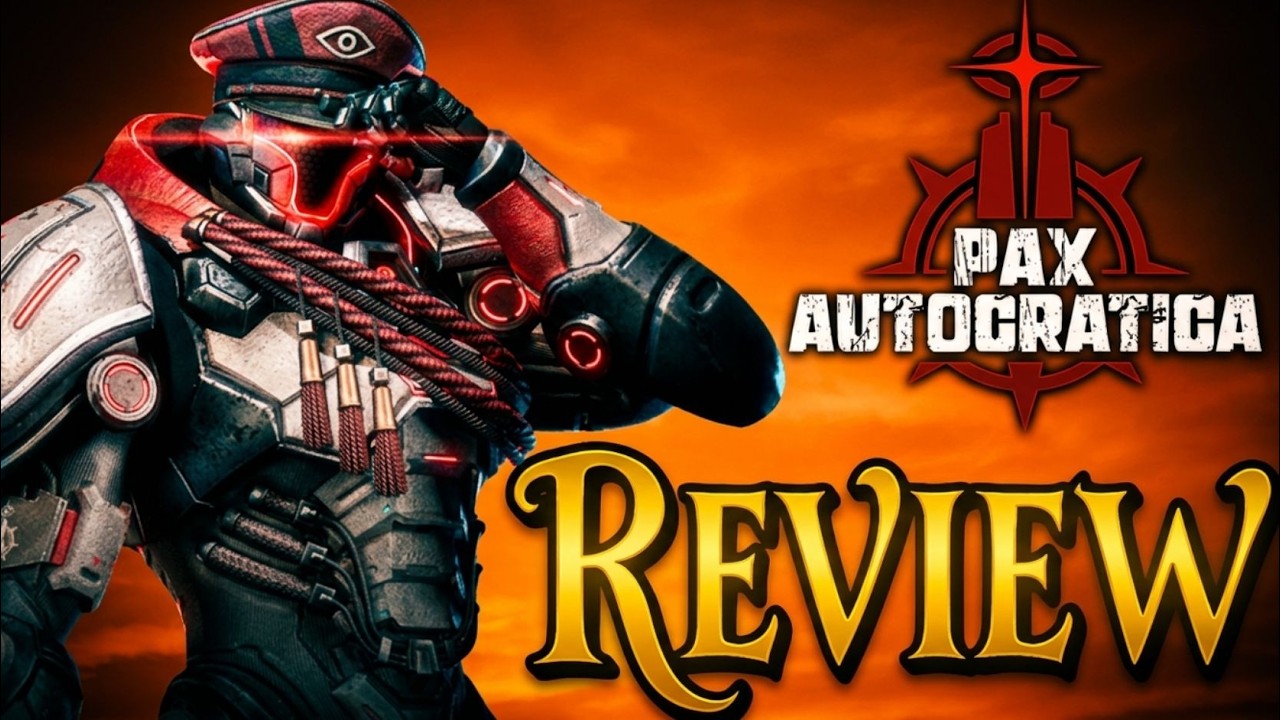
Watch / Gameplay
Pax Autocratica Review - Colony Sim Meets FPS Roguelite
Channel: I Dream of Indie Games · Early Access review
- 00:00–00:27 two connected halves
- 01:53–02:09 risk and survey
- 04:30–05:22 base loop
- 05:22–06:00 interface friction
- The review separates colony preparation from field risk, then shows why they are connected.
- It is useful for locating the loop, not for deriving exact build or staffing rules.
- Interface and performance comments are one reviewer's build- and device-specific experience.
Sources & further reading
- Steam Store — public colony, production, expedition, and soldier categories.
- Steam News: DEMO UPDATE, July 21, 2026 — dated technology queue, production modes, Warehouse, and transport notes.
- I Dream of Indie Games review — creator report on worker tasks, facilities, rest, laws, menus, and the base-to-expedition relationship.